How to Get Real People to Test Your Website in Nigeria
Your website may look perfect to you.
The buttons work, the pages load and the registration process seems straightforward.
But there's a problem: you already know how everything works.
A new visitor doesn't.
Real users may discover confusing navigation, broken links, registration problems, unclear instructions or mobile issues that you and your development team have overlooked.
That's why getting real people to test your website before a major launch or marketing campaign can be extremely valuable.
Here's how to find website testers in Nigeria and get useful feedback.
1. Decide What You Want Tested
Don't simply ask someone:
"Please check my website."
Give testers specific objectives.
For example, you might ask them to:
- Create an account
- Find a particular product
- Complete a search
- Add something to a cart
- Test a contact form
- Update their profile
- Find your pricing page
- Test navigation
- Complete a particular user journey
The more specific your instructions are, the more useful the results will be.
2. Use TaskPay.ng to Find Website Testers
If you need more testers than you can find among friends or colleagues, a microtask marketplace such as TaskPay.ng can help.
You can create a paid website-testing task and specify exactly what participants should do.
For example:
Task: Test Our New Website and Provide Feedback
Your instructions could ask participants to:
- Visit the website.
- Create an account.
- Find a particular feature.
- Complete a specific action.
- Report anything confusing or broken.
- Answer several feedback questions.
You can also determine how many participants you need and what evidence they should submit.
This allows you to collect structured feedback from real users rather than relying entirely on your development team.
3. Test Your Website on Mobile Phones
Mobile testing is particularly important.
Many Nigerian users will access your website from smartphones rather than desktop computers.
A website that looks excellent on a laptop might be difficult to use on a smaller screen.
Ask testers to check:
- Menus
- Buttons
- Forms
- Images
- Text size
- Pop-ups
- Registration pages
- Checkout pages
Make sure important elements aren't hidden or difficult to tap.
4. Test Different Browsers and Devices
Your website may work perfectly on your computer and fail somewhere else.
Recruit people using different:
- Android phones
- iPhones
- Windows computers
- Screen sizes
- Browsers
Common browsers may include Chrome, Safari, Edge and Firefox.
If a tester finds a problem, ask them to provide their device and browser details.
This makes troubleshooting easier.
5. Test With People Who Don't Know Your Business
Friends and employees aren't always the best testers.
They may already understand your product.
A completely new visitor can reveal something much more important:
Can someone understand your website without an explanation?
Ask new users questions such as:
What do you think this website does?
What would you click first?
Was anything confusing?
Could you find the information you needed?
If several people struggle with the same thing, you may have discovered a genuine usability problem.
6. Test Your Registration Process
If your website requires accounts, test the entire registration journey.
Ask users to create accounts without assistance.
Watch for problems involving:
- Verification emails
- OTP codes
- Password requirements
- Form errors
- Captchas
- Phone numbers
- Confirmation pages
A small registration problem can cost you many potential customers.
7. Test Your Website Speed
Slow websites lose visitors.
Ask testers about their experience using different internet connections.
A page that loads instantly on your office Wi-Fi may perform differently for someone using mobile data.
Compress large images, remove unnecessary scripts and investigate pages users consistently report as slow.
8. Ask Testers to Find Information
One simple usability test is to give users a goal without explaining where to click.
For example:
"Find out how much the premium plan costs."
or:
"Find the page explaining how withdrawals work."
If most testers can find the information quickly, your navigation is probably working.
If they can't, reconsider how your menus and pages are organised.
9. Ask Specific Feedback Questions
Avoid questions such as:
"Is the website good?"
You'll often receive vague answers.
Ask specific questions instead:
- What was difficult to understand?
- Which page was hardest to use?
- Did you encounter an error?
- Was registration straightforward?
- Could you easily find the main features?
- What would you change?
- Would you trust this website enough to register?
Specific questions generate more actionable feedback.
10. Test Before Spending Heavily on Advertising
Imagine spending hundreds of thousands of naira advertising a website with a broken registration button.
You're paying to send visitors directly into a problem.
Website testing should happen before major advertising campaigns whenever possible.
Start with a small number of testers.
Fix the biggest problems.
Test again.
Then increase your marketing.
What Should Website Testers Look For?
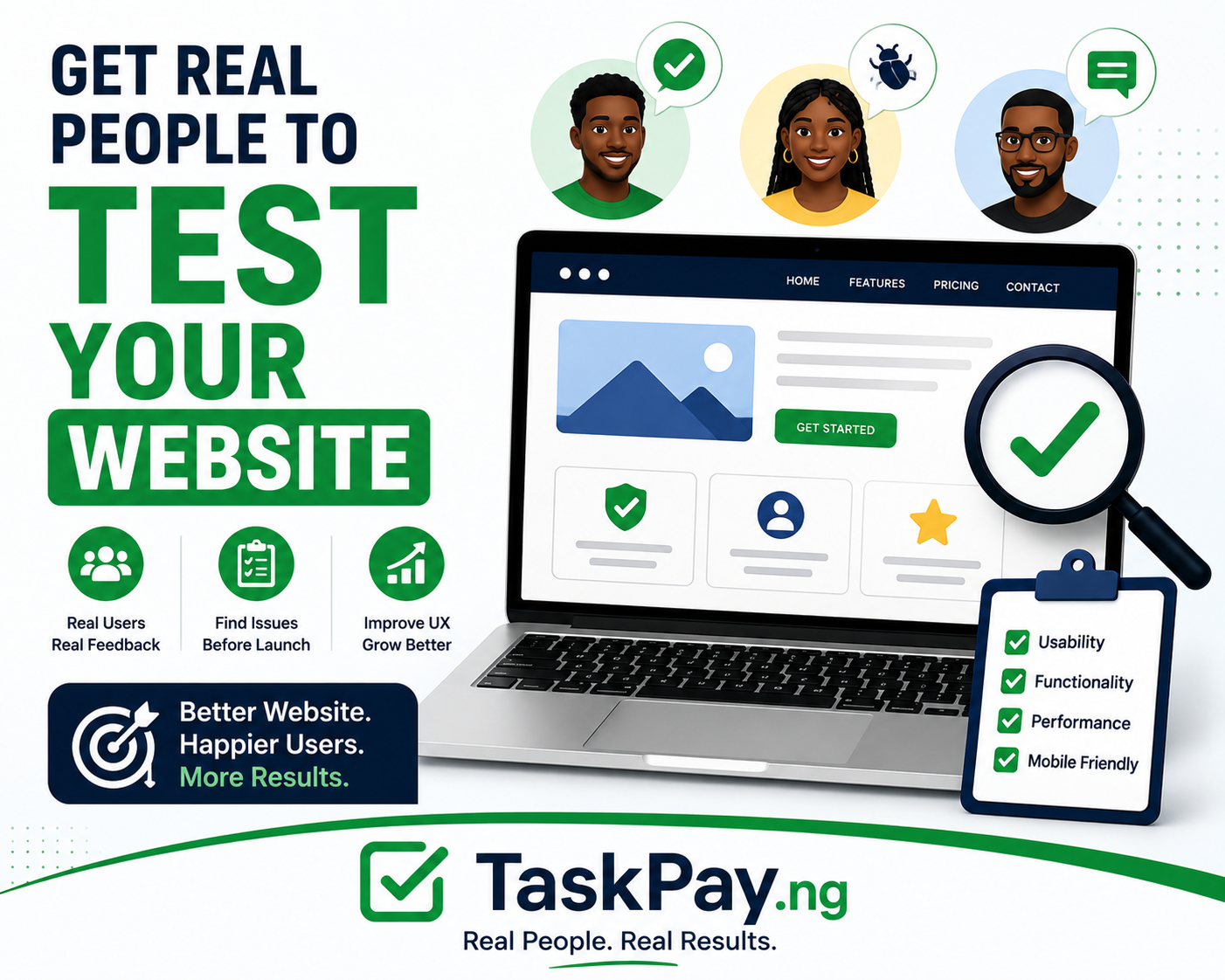
A good website test should cover areas such as:
Functionality: Do buttons, links and forms work?
Navigation: Can users find important pages?
Mobile experience: Does everything work properly on smartphones?
Speed: Are pages loading reasonably quickly?
Clarity: Do visitors understand what the business offers?
Registration: Can users successfully create accounts?
Trust: Does the website look credible?
Errors: Are there broken pages or unexpected messages?
Different testers may discover different problems, which is why testing with multiple people is useful.
How Many Website Testers Do You Need?
You don't necessarily need hundreds of people initially.
Start small.
Even 5–10 real users may uncover obvious usability problems.
Fix those problems and then run another testing round.
As your website grows, you can expand testing to different user groups, devices and locations.
TaskPay can make this easier because you can create separate tasks for different testing requirements.
How TaskPay Can Help With Website Testing
With TaskPay, businesses can create structured website-testing tasks for real users.
You decide:
What to test: Specify the pages or features.
Who should test: Define relevant participant requirements.
How many testers: Choose the number of available tasks.
What feedback you need: Ask specific questions.
What proof is required: Explain how completion should be verified.
What testers earn: Set an appropriate reward.
This can be useful for startups, e-commerce businesses, developers, agencies and organisations preparing to launch or improve a website.
Final Thoughts
You don't need to wait for customers to complain before discovering problems with your website.
Get real people to test it.
Give them specific tasks, let them explore without assistance and pay attention when multiple users struggle with the same thing.
The objective isn't to hear that your website looks good.
The objective is to discover what needs fixing before it costs you customers.
If you need Nigerians to test your website and provide genuine feedback, TaskPay.ng lets you create a paid testing task and connect with real participants.
Real users find real problems. Fix them before your customers find them.
Visit TaskPay.ng and create your website-testing task today.